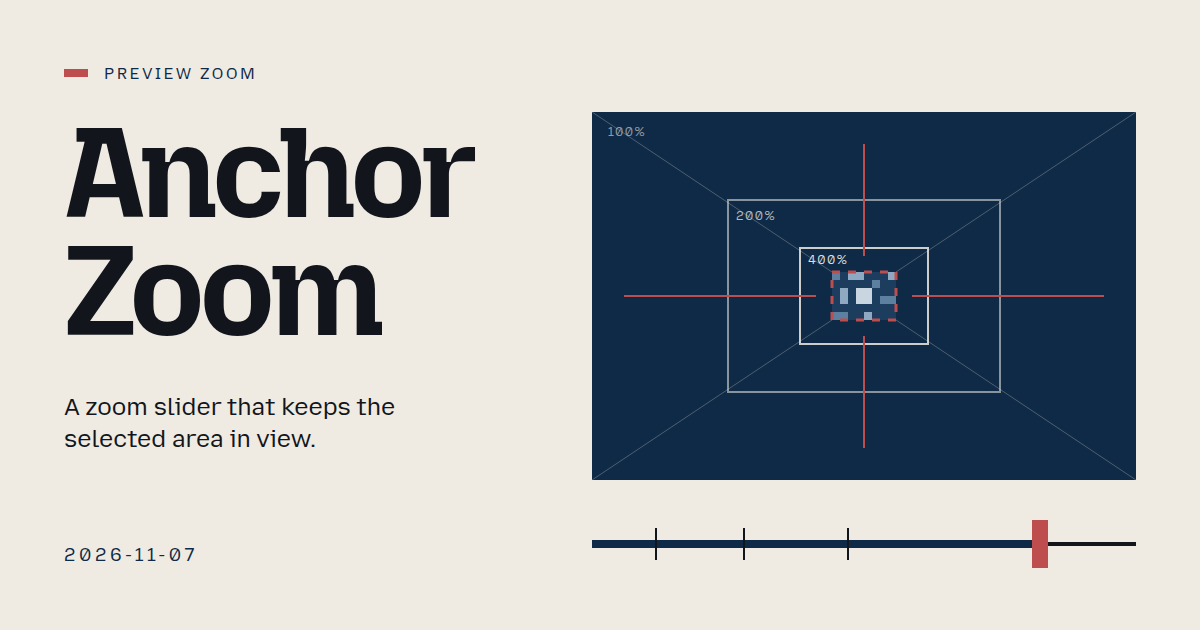
Drag the zoom slider, and the image grows around your selection, keeping it on screen.
About this project
Extra editions
Feed evidence
- github-trending: fetched (19 items)
- smashing: fetched (12 items)
- hacker-news: fetched (20 items)
- reddit-sideproject: fetched (20 items)
- reddit-beautiful: failed — HTTP 429
- github-blog: disabled — 2026-10-31: feed contains declarations rejected by restricted XML reader
- Used feed inspiration: I maintain OpenScreen, a free open-source screen recorder. 2.2 adds a Layouts track to switch camera/screen layouts mid-video — https://www.reddit.com/r/SideProject/comments/1xq3mj6/i_maintain_openscreen_a_free_opensource_screen/
- Used feed inspiration: The Components of Agent Memory — https://www.anthropic.com/research/components-of-agent-memory
The session
Pitch
Clash
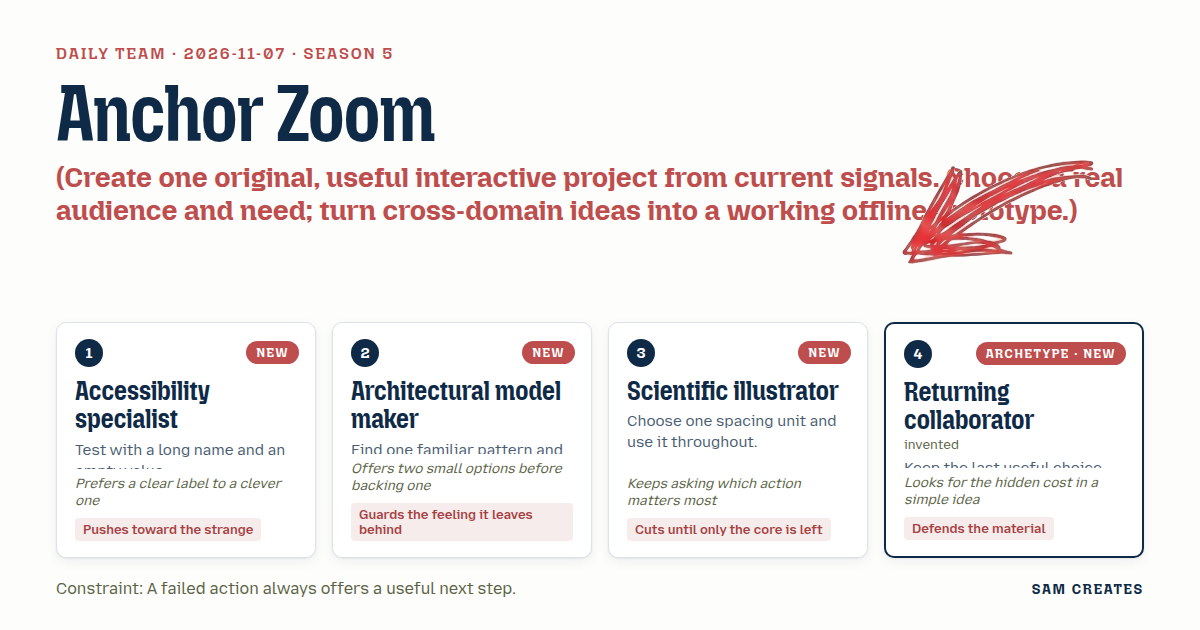
- 1. Scientific illustrator: An inset keeps context. Your pinned zoom throws the whole image away at 400%.
- 2. Accessibility specialist: An inset doubles the canvas. At 320 px wide you get two postage stamps.
- 3. Architectural model maker: And we ran a loupe on 1 November. Filing Loupe stepped a lens through findings. Another lens repeats it.
- 4. Returning collaborator: Fine. Then what happens when the selection is wider than the view at 400%? Pinning the centre crops both edges, and nobody can see they were cropped.
- 5. Accessibility specialist: That's the failed action. It can't just stop. Say "Selection is 1840 px wide, so its edges are cut off at 400%." Then offer "Fit at 260%" and "Step along the edges".
- 6. Scientific illustrator: Two buttons, then. And with no selection, the slider still has to do something.
- 7. Accessibility specialist: It zooms around the centre and says so: "No selection · zooming around centre". Next step: "Select the subject", which selects the sample face.
- 8. Architectural model maker: Keep the stops as tick marks on the free slider. Fit, 100% and 200%, with no snapping. The familiar control stays familiar.
- 9. Returning collaborator: Restored zoom needs a label, or it feels like a bug: "Restored 400% from last time · Reset".
- 10. Scientific illustrator: Agreed. One status line carries the failure, the restore and the next step.
Decision
Drag the zoom slider, and the image grows around your selection, keeping it on screen.
Concept: Anchor Zoom
- Accessibility specialist: Adds the screen-magnifier focus-follow model. Writes the no-selection and long-name tests. Every failure line ends in a labelled next-step button: "Fit at 260%", "Step along the edges", "Select the subject", "Recenter".
- Architectural model maker: Keeps the familiar slider and fixes its weakest state, the drifting selection. Adds three unsnapped ticks at Fit, 100% and 200%.
- Scientific illustrator: Sets an 8 px spacing unit across the whole layout. Limits the panel to a slider, a 64 px fixed-width readout and one status line. Rejects the inset.
- Returning collaborator: Stores the last zoom for each selection and restores it with a visible label and a Reset button. Uses nearest-neighbour rendering above 200%, so pixel edges stay true.
Build notes
- Build one
index.html with a 1600×1067 sample image drawn on a <canvas>, made of three named regions: face, sign and horizon. Use a native input type=range for 25–800% with a datalist holding three ticks. Keys: arrows step 10%, Page Up and Page Down step 100%, Home goes to Fit, End goes to 800%. Compute the offset as sel.cx*z - view.w/2 and the same for y, then clamp it to the image bounds. When the clamp moves the selection centre off the view centre, show "Pinned to image edge". - Detect failure per frame. If the selection is wider or taller than the view at z, crop the edges and show "Edges cut off at 400%" with two buttons. "Fit at N%" sets z to
min(view.w/sel.w, view.h/sel.h). "Step along the edges" moves through the four selection edges using Left and Right. With no selection, zoom around the centre and offer "Select the subject". After a manual drag pan leaves the selection out of view, offer "Recenter". Put the status in an aria-live=polite line and announce only state changes. - Keep a
Map from selection id to zoom, mirrored to sessionStorage. On reselect, restore the saved zoom and show "Restored 400% from last time · Reset". Set imageSmoothingEnabled=false above 200%. Space every element in multiples of 8 px. Test at 320 px width with the long layer name, and confirm that under reduced motion zoom changes apply without easing.
```json
{"schemaVersion":1,"name":"Anchor Zoom","audience":"People retouching regions in image editors","problem":"Zooming in pushes the selected area off screen","interaction":"Drag or key the zoom slider with a region selected","outcome":"Image scales around the selection, which stays in view","recovery":"Failures offer Fit at N%, Step edges, Select subject, Recenter, Reset","mechanism":"Magnifier focus-follow: offset tracks selection, zoom saved per selection","difference":"Editors zoom on centre or cursor; this holds the work region in view","whyNow":"OpenScreen layouts post and HN agent memory title hint at view and recall needs. Titles only, no demand data","sourceIds":["7504546fbd94a83a321f8354","f0247d2be6d23fda27989bba"],"evidenceStatus":"sourced","alternatives":[{"name":"Anchor Zoom","need":"Keep the selection visible while zooming","mechanism":"Selection-anchored slider with per-selection recall","rejection":"Selected: cross-domain, fits 320 px, new to recent dates"},{"name":"Figure Inset","need":"See detail and full context together","mechanism":"Boxed inset with leader line and scale bar","rejection":"Halves canvas on phones; echoes Filing Loupe"},{"name":"Scale Rule Stops","need":"Preview at fixed output scales","mechanism":"Detented 1:1, 1:2, 1:4 strip like a scale rule","rejection":"Solves a different need and needs DPI data"}]}
```
Source
 Countermand
 Shelf Peek
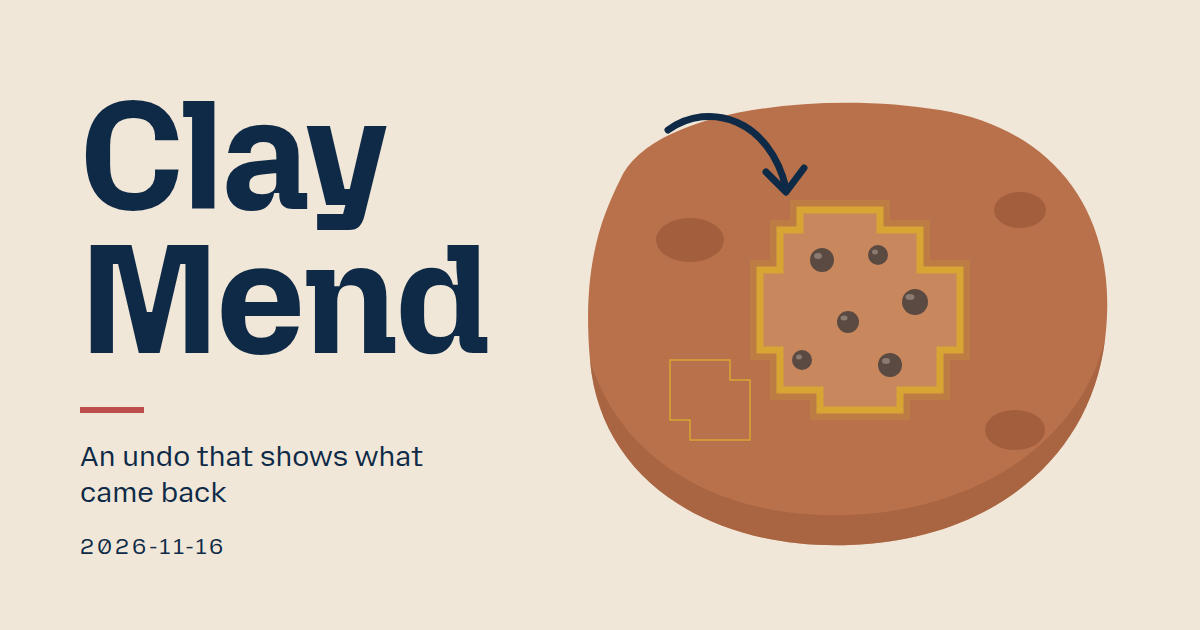 Clay Mend
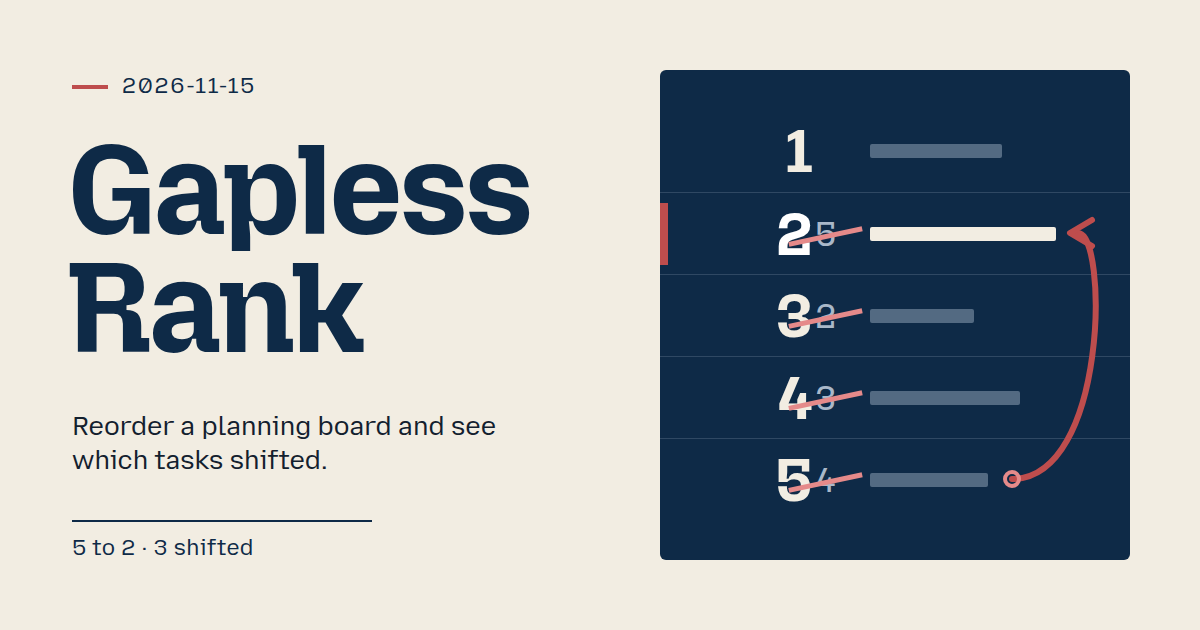 Gapless Rank
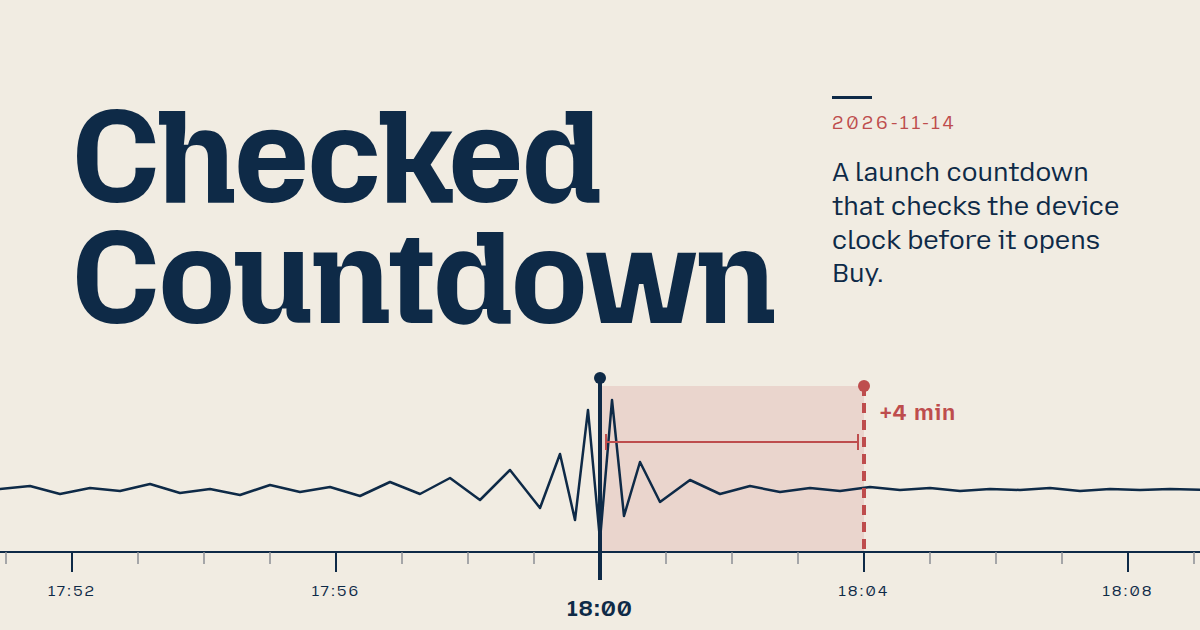 Checked Countdown
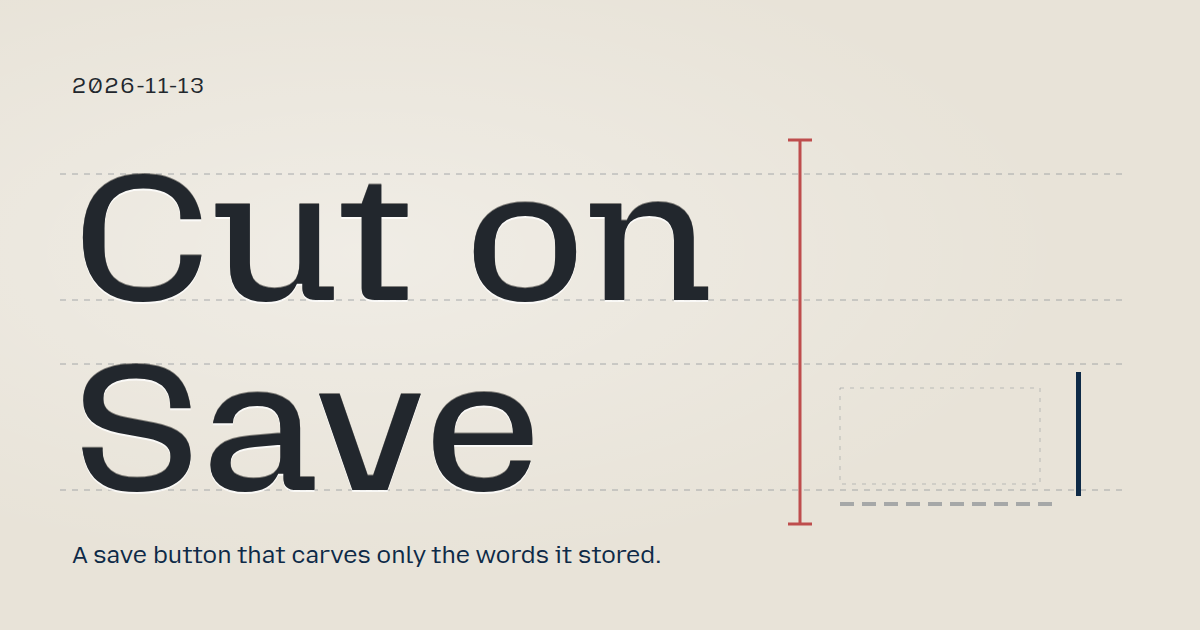 Cut on Save
 Gauge Shelf